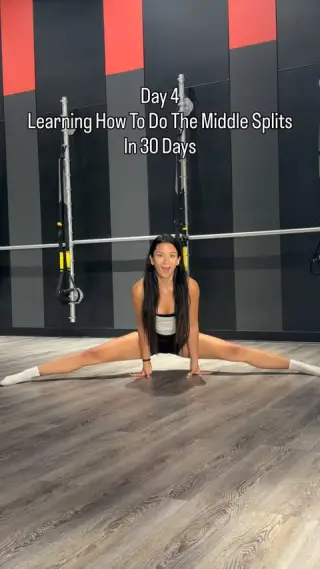
Turn a Reel you found into your own script
Viralmaxing breaks down a video and helps adapt its structure to your topic. Set your voice, edit the text, and keep the script in your content plan.

A reference to study
Study the structure, then write on your own topic.
Video script
- Status
- In progress
- Format
- Talking head
- Length
- 30 seconds
- Direct
- PLAN
How do you choose which Reel to film next?
Start with the videos that already got a response on your account.
People from these companies use Viralmaxing
- skyeng
- SETTERS
- SMM SCHOOL
- vilavi
- БЮРО
- LERNA
Their mechanics, your own words
Keep what makes the reference work, then bring your own subject, examples and call to action.
Your context stays beside the document
Viralmaxing uses your background, voice and offer when adapting a reference. Edit the result and get it ready to film.
- About you
- I help experts build a consistent Reels practice
- Your voice
- Concise, calm and specific
- Your offer
- A personal consultation
An example of a completed author context.
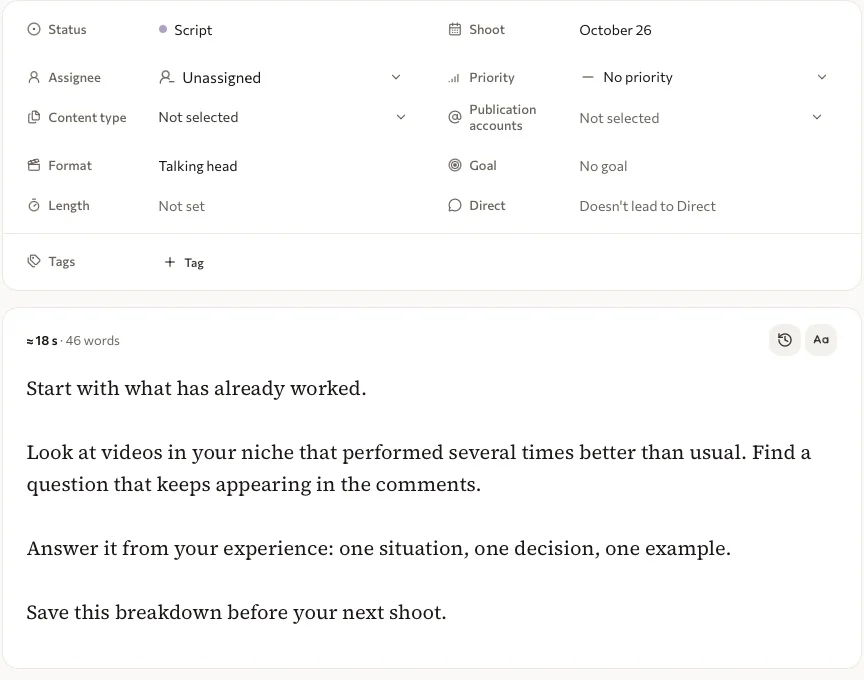
The script stays in your workflow
There is no need to piece the material back together across separate documents before filming.
The reference and your version stay connected
Revisit the original video, edit your script, change its stage and keep working through your plan.
- The reference beside your adaptation
- Your words and versions in the document
- A path into planning and filming
A plan you can see in full
Idea

3 beginner mistakes in Reels
Script
Filming

My morning in 30 seconds
Script
Published

Answering a follower’s question
Script

An idea for the next video
Save it now. Return to it in your plan.
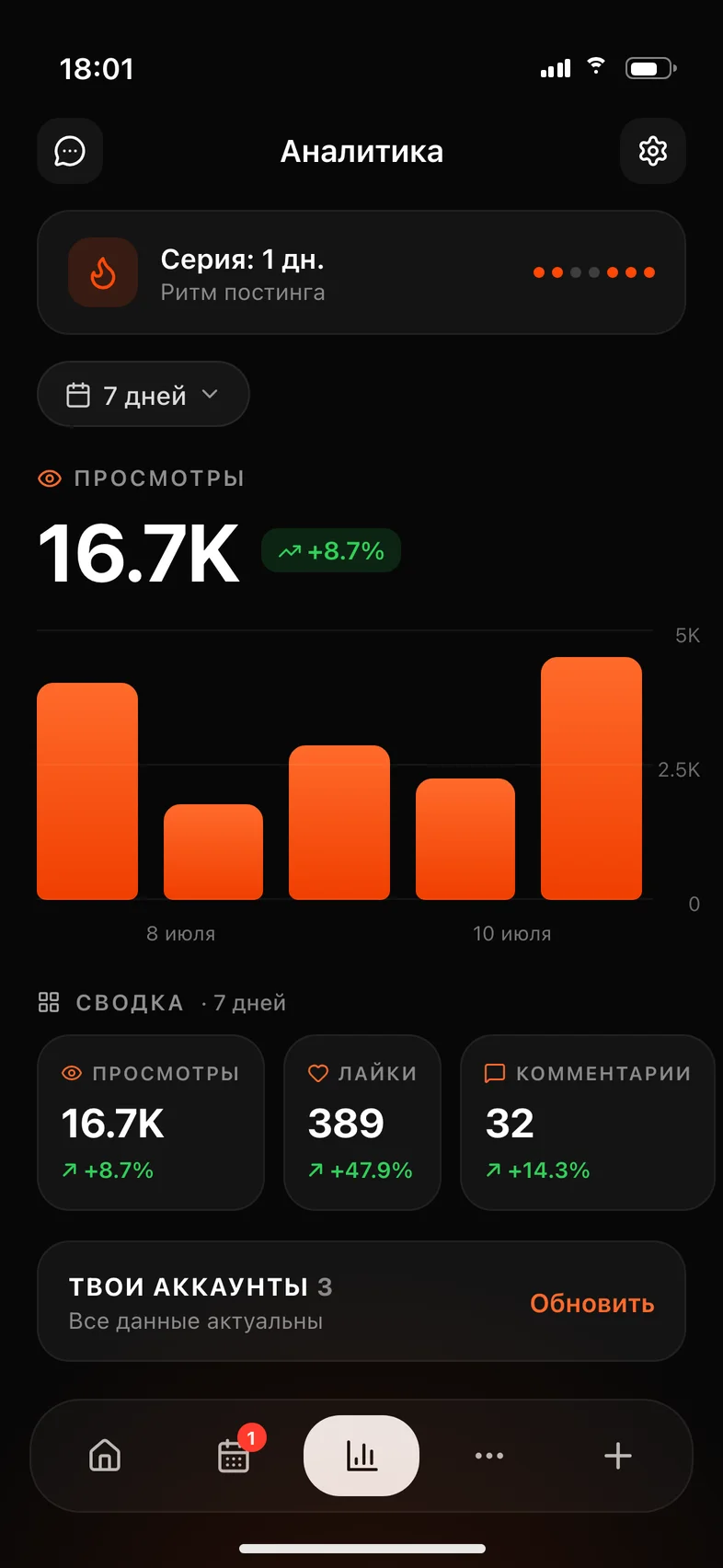
Pick it up on your phone
An idea can arrive between other things. Save it in the app, check your plan, and return to your script before filming.
- Save ideas before you lose them
- Open your plan and script before a shoot
- Check how your accounts are doing
From a saved video to filming
Choose a reference
Pick a suggested video or add your own link.
Prepare your version
Break down the structure, set your topic, and edit the script.
Film the video
Open the finished text in your plan. You handle publishing.
Pricing follows the number of accounts
Choose how many accounts to run in analytics and how many people will work. The plans below show the current price.
- Accounts in analytics
- Standard is 50 accounts, Business is 150 to 1,000. Your own and other people’s accounts across all workspaces count, each account once.
- Breakdowns and scripts with no counter
- Scripts, video breakdowns and the assistant work on any plan with no limit on how many.
- A team of up to 10
- On Standard the owner works alone, on Business up to 10 people. More than that is Custom.
Start at 50% off.
Pay when you see value. Full access, cancel anytime.
What you need for your first script
What do I get?
An editable script on your topic, based on the selected video structure. Save it and continue working with it in your content plan.
Do I need a video link?
Add your own link or choose a video in Suggested. The breakdown and adaptation use the content of that video.
How do I make it sound like me?
Complete About you, Your voice, and What you sell: who you help, how you speak, and what action you want the viewer to take. You can edit the adapted text afterward.
Can I use it for short videos on other platforms?
Viralmaxing supports research and analytics for Instagram, TikTok, YouTube, and Facebook. Adapt your script to the platform you publish on.
Will the service publish the video for me?
You handle filming and publishing. Viralmaxing helps with research, scripts, and your content plan.
How are scripts paid for?
Scripts are included in the subscription with no meter: breakdowns and adaptations are unlimited. The plan is chosen by the number of accounts in analytics; prices are shown below.
I am changing my topic. Will scripts follow my old niche?
Before adapting a video, update About you, Your voice, and What you sell for your new direction. The reference supplies the structure; Viralmaxing takes your topic, examples, and call to action from these settings.
I already write in ChatGPT or Claude. Can I keep using it?
Yes. Connect Viralmaxing to your assistant through MCP to request product data from your usual chat. The connection is optional: research and scripts are also available inside Viralmaxing.
Start with one script
The first month is 50% off. If it doesn’t fit, we refund you within the first 3 days.