1
Name your account
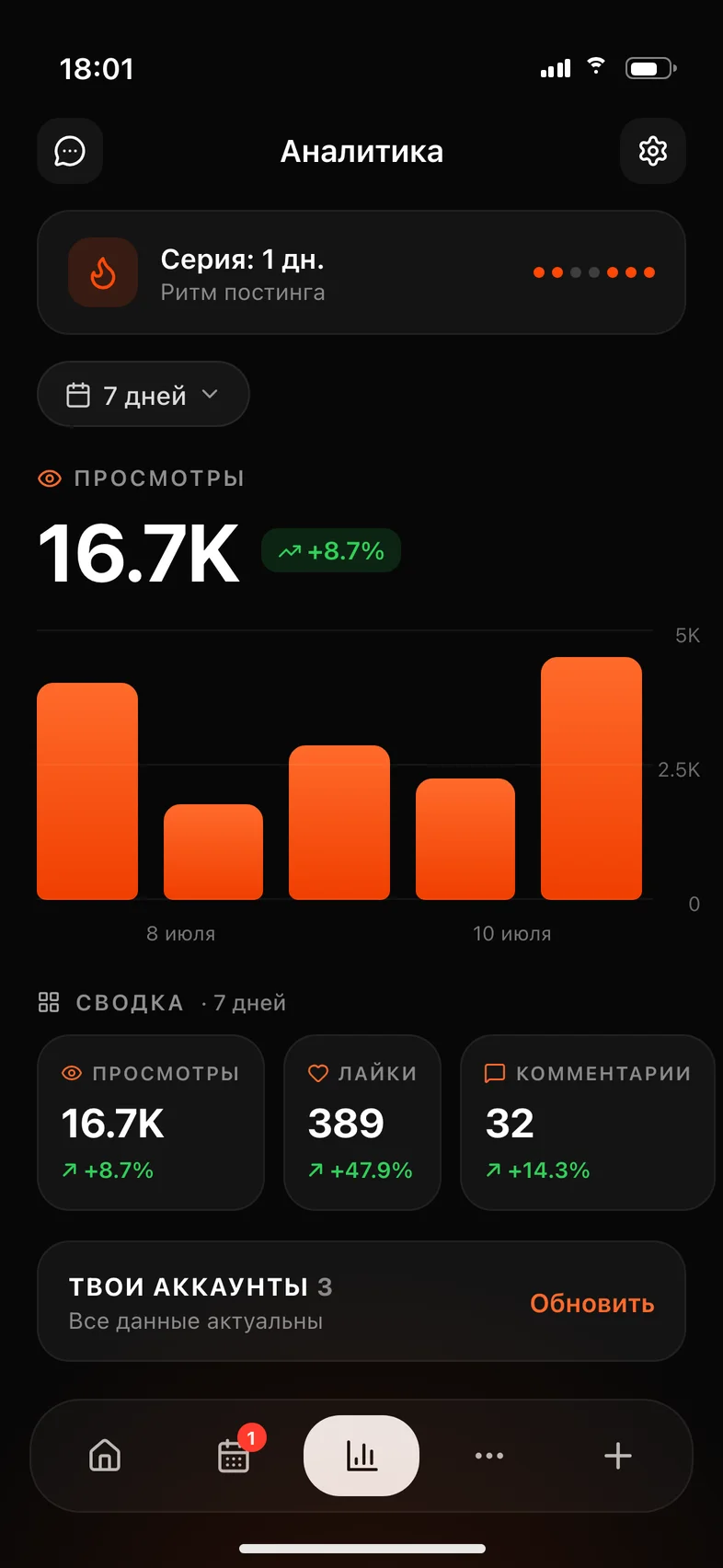
I'll look at what you've already posted and find the videos that worked better than the rest.
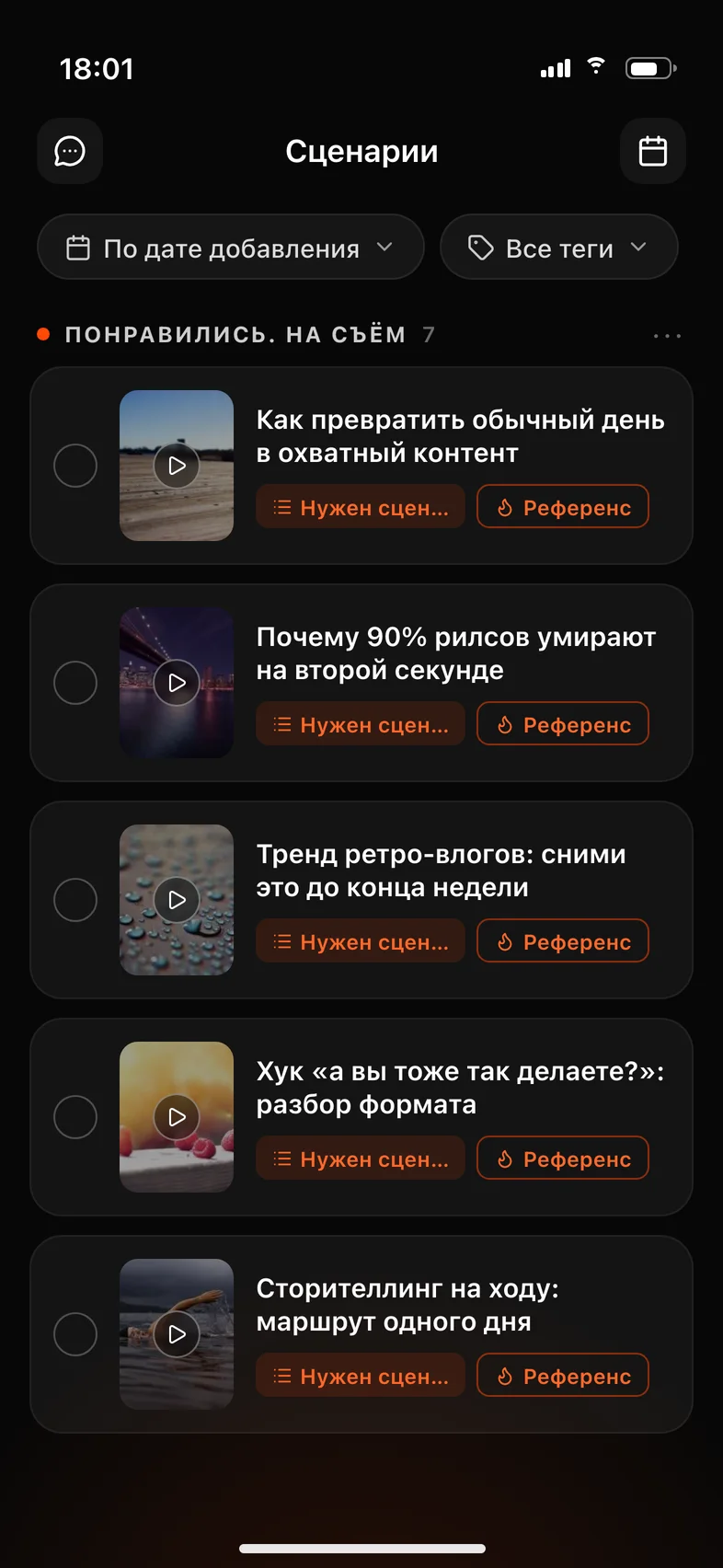
I'll go through your account, show what already took off, and write a script for your niche. You record it with the teleprompter in the app.
You pay on the website — the app is free, just sign in with the same account.
Reviews on the App Store
Honestly the best app out there for creators. If you're still not using it, you're probably losing hundreds of great ideas that just sit in your Instagram saves.
Huge thanks to the developers for creating such a great app for content creators! It's incredibly easy to use and has made creating engaging, viral-ready videos so much faster.
A genuinely convenient service for speeding up analysis and making short videos. The team keeps shipping — respect 👏
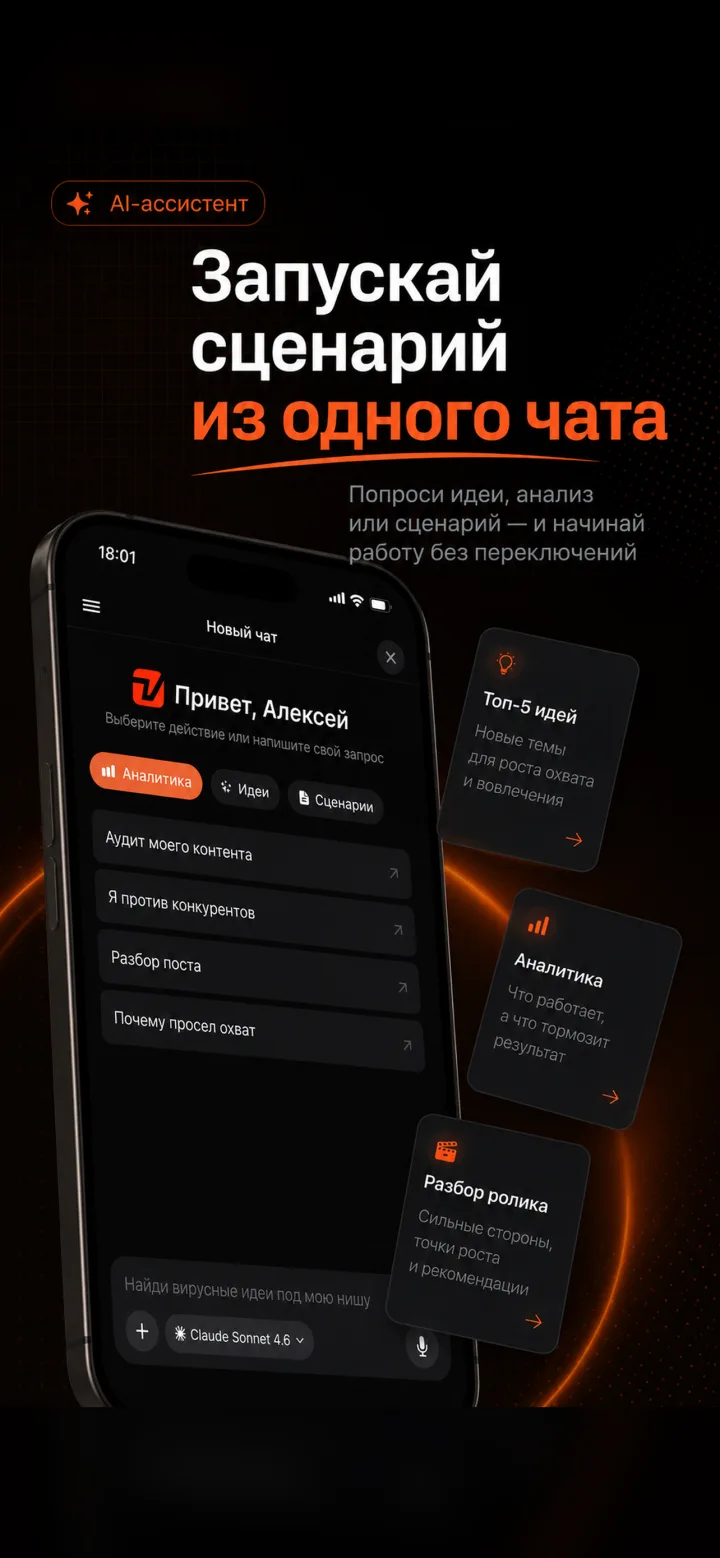
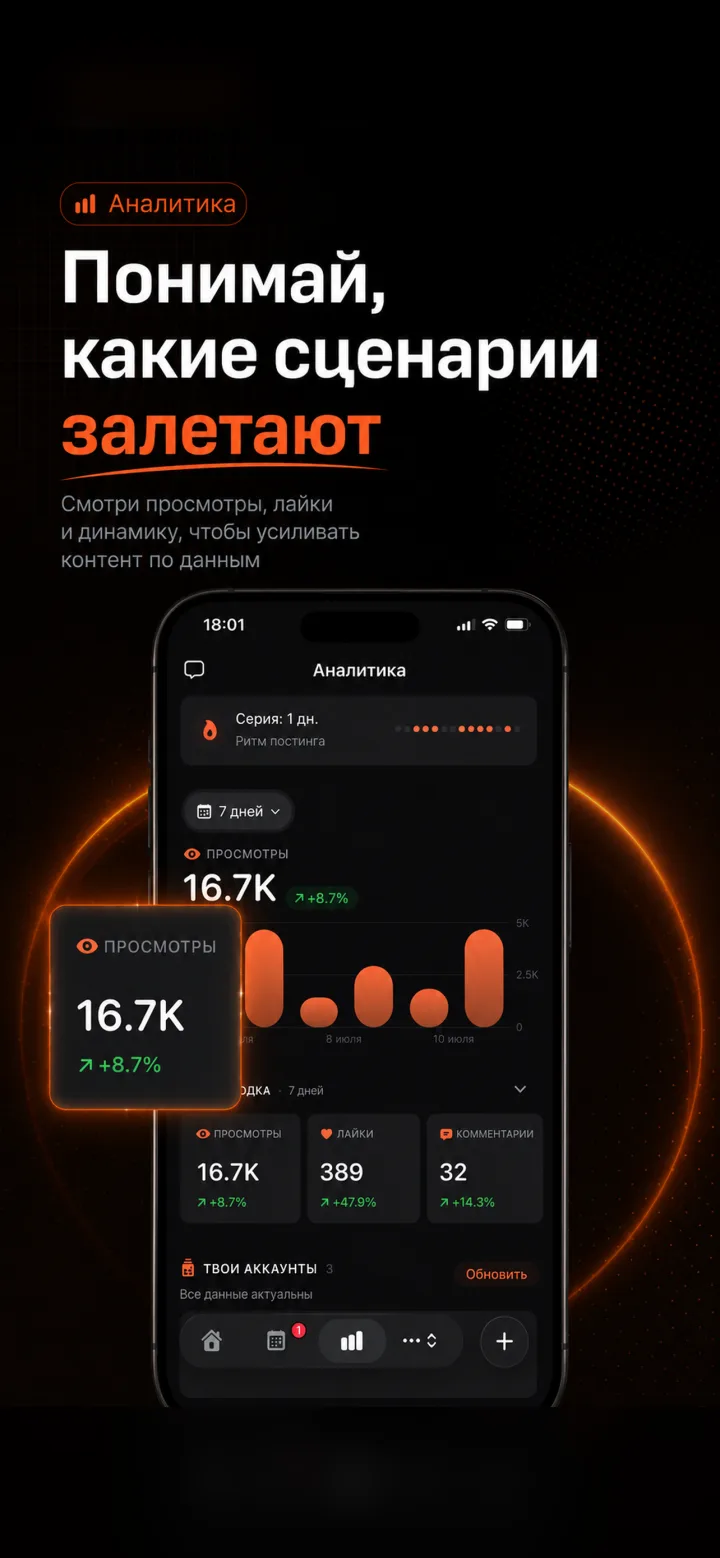
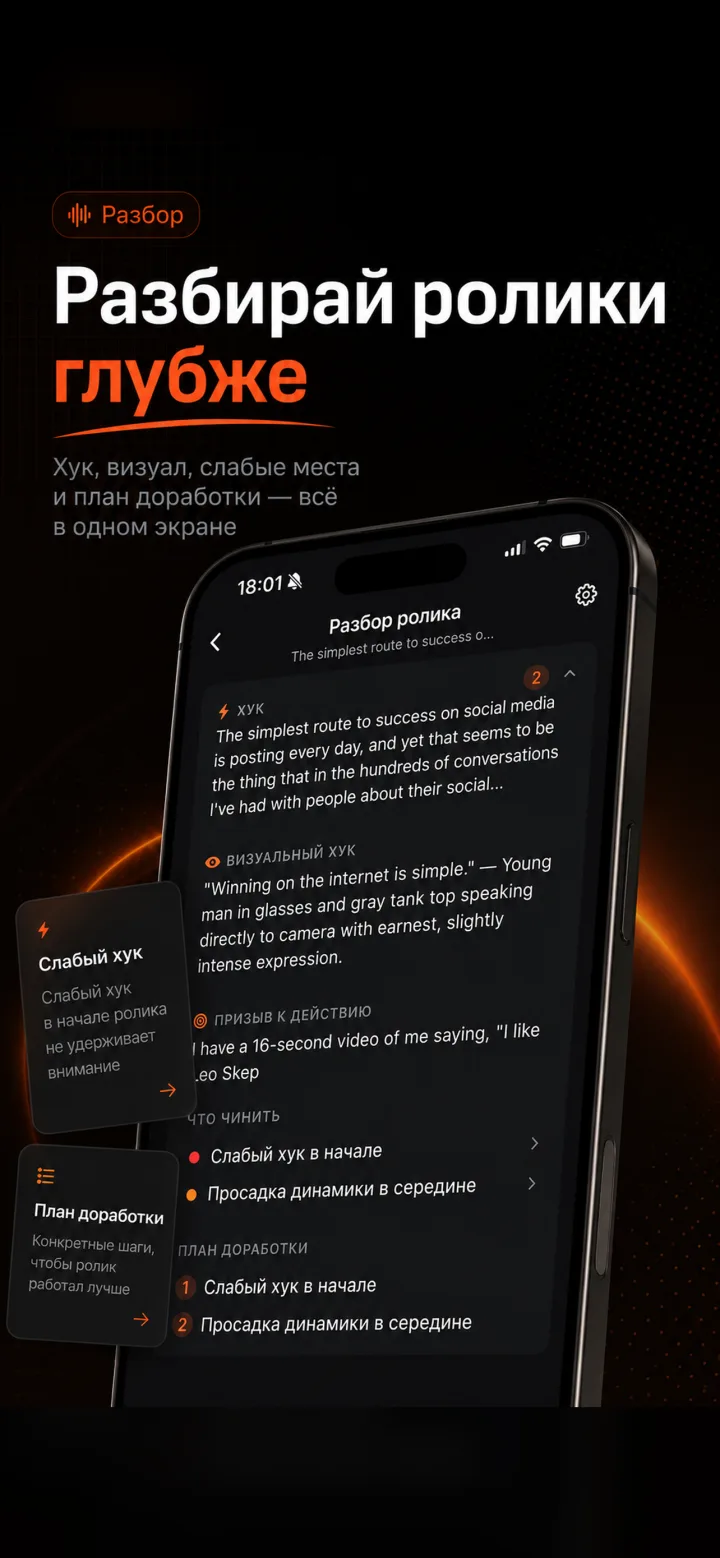
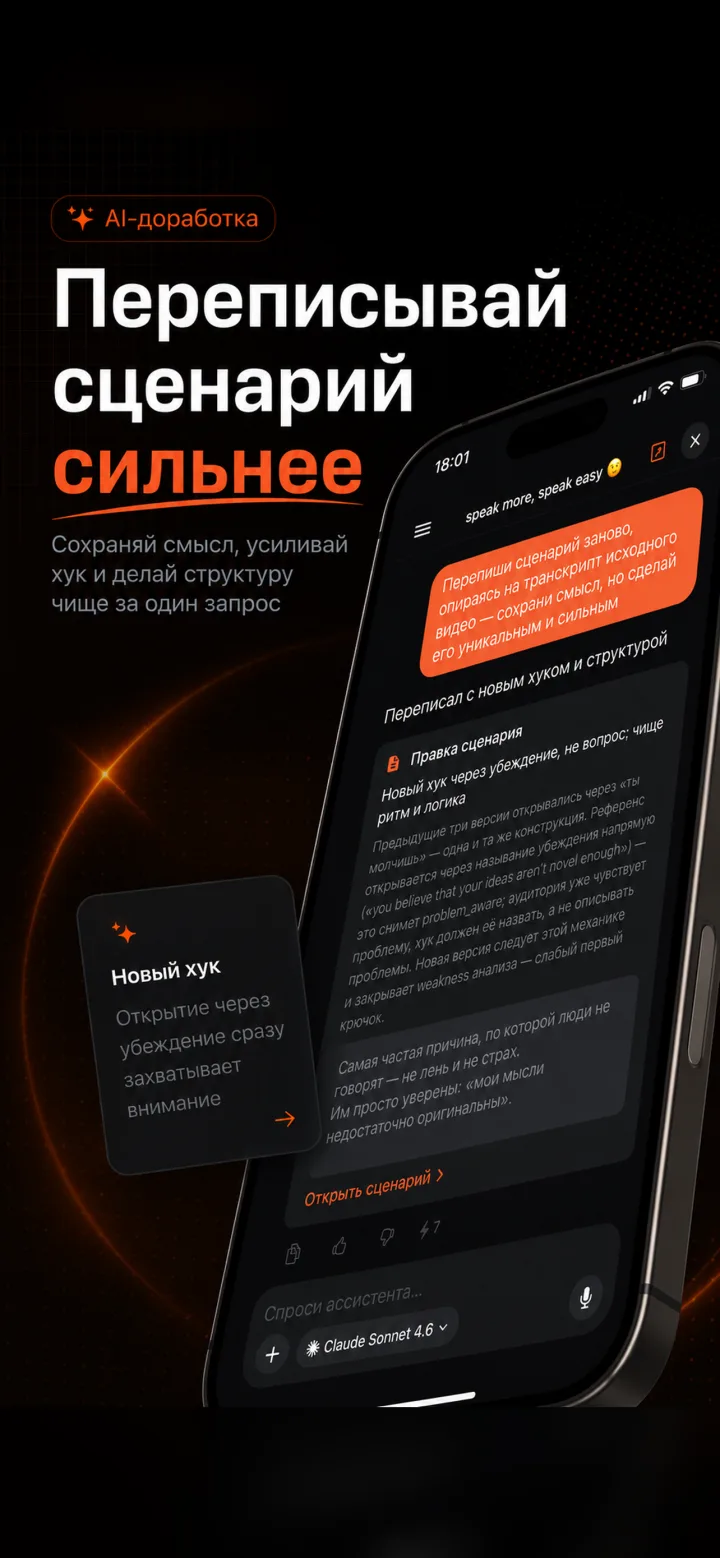
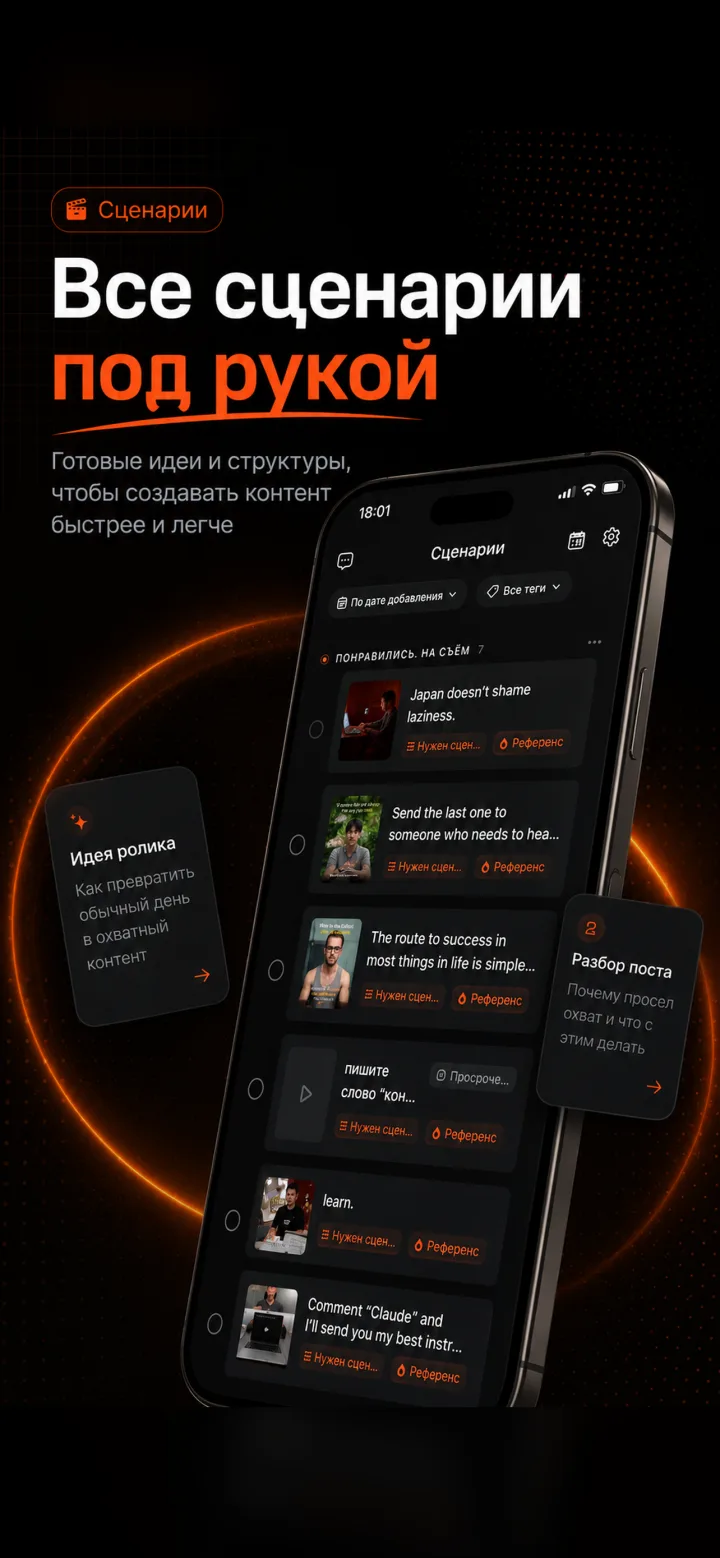
I'll look at what you've already posted and find the videos that worked better than the rest.
I'll tell you what to repeat and what to change, and write your first script for your niche and goal.
The text scrolls on screen while you talk. Start on the web, finish on the shoot.
Paying from Russia. App Store payments aren't available in Russia right now. Subscribe on the website — we'll email your confirmation — then sign in to the app with the same account: your data and subscription are already there.
Downloading and signing in are free. The tools run on your Viralmaxing subscription, the same one as on the website: one account, one plan, no extra charge for the app.
App Store payments aren't available in Russia right now. Subscribe on the website and it works in the app immediately under the same account.
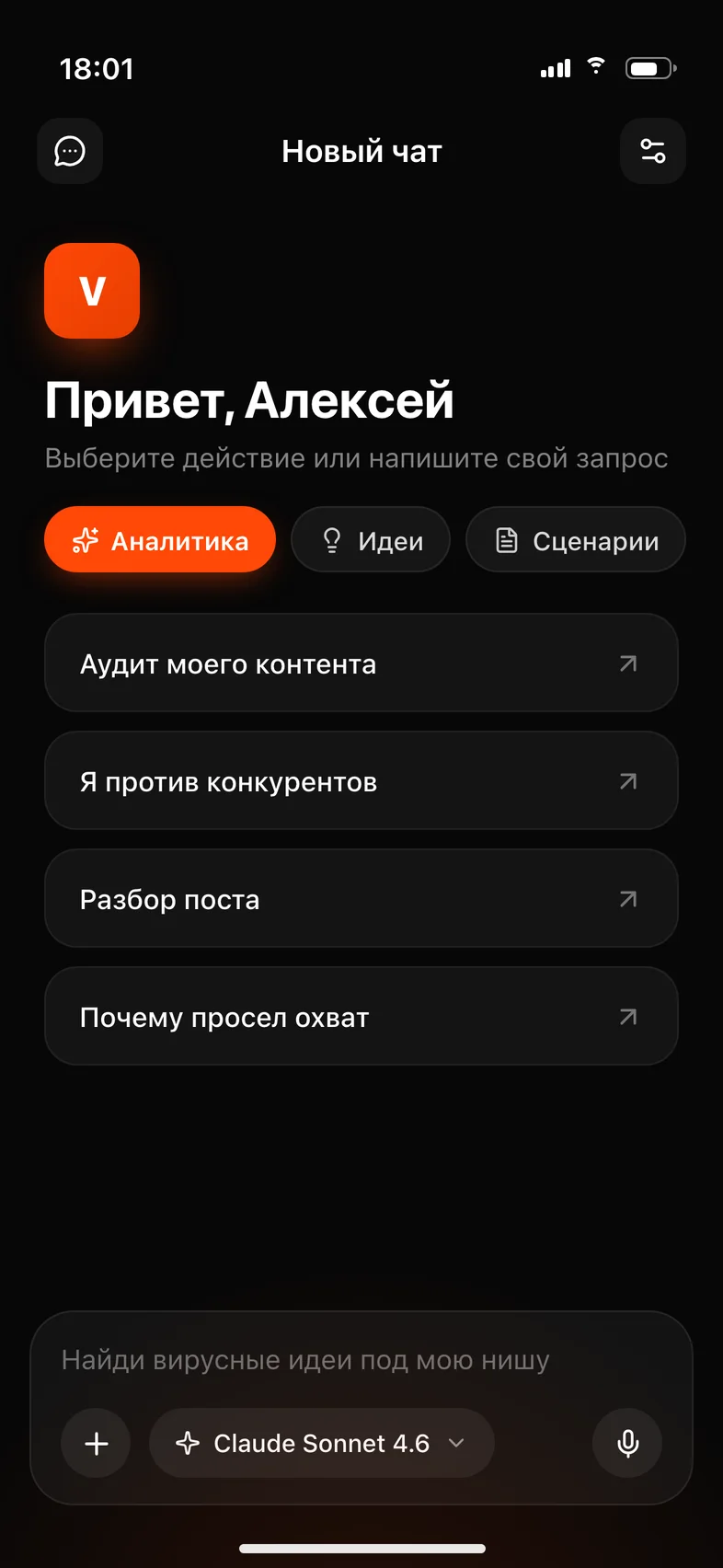
It's the same Viralmaxing: accounts, scripts and assistant chats stay in sync. The app is handy on the go and on set, the website works best on a big screen.
For now the app ships on iPhone only. If you're waiting for Android, tell our support team: more requests means higher priority.
iPhone running iOS 26 or later. There's no iPad version yet; on a tablet you can use the web version.
You shoot on your phone. Now you can prepare for the shoot there too.
You pay on the website — the app is free, just sign in with the same account.